Optimize and Visualize Your Production Schedules in Minutes
Purpose-built for flowshop manufacturing process. Handle multiple machines per stage, minimize setup/changeover times and generate professional Gantt charts in minutes. Achieve significant production time reduction over manual scheduling.
Free Demo plan available • No credit card required • Upgrade anytime
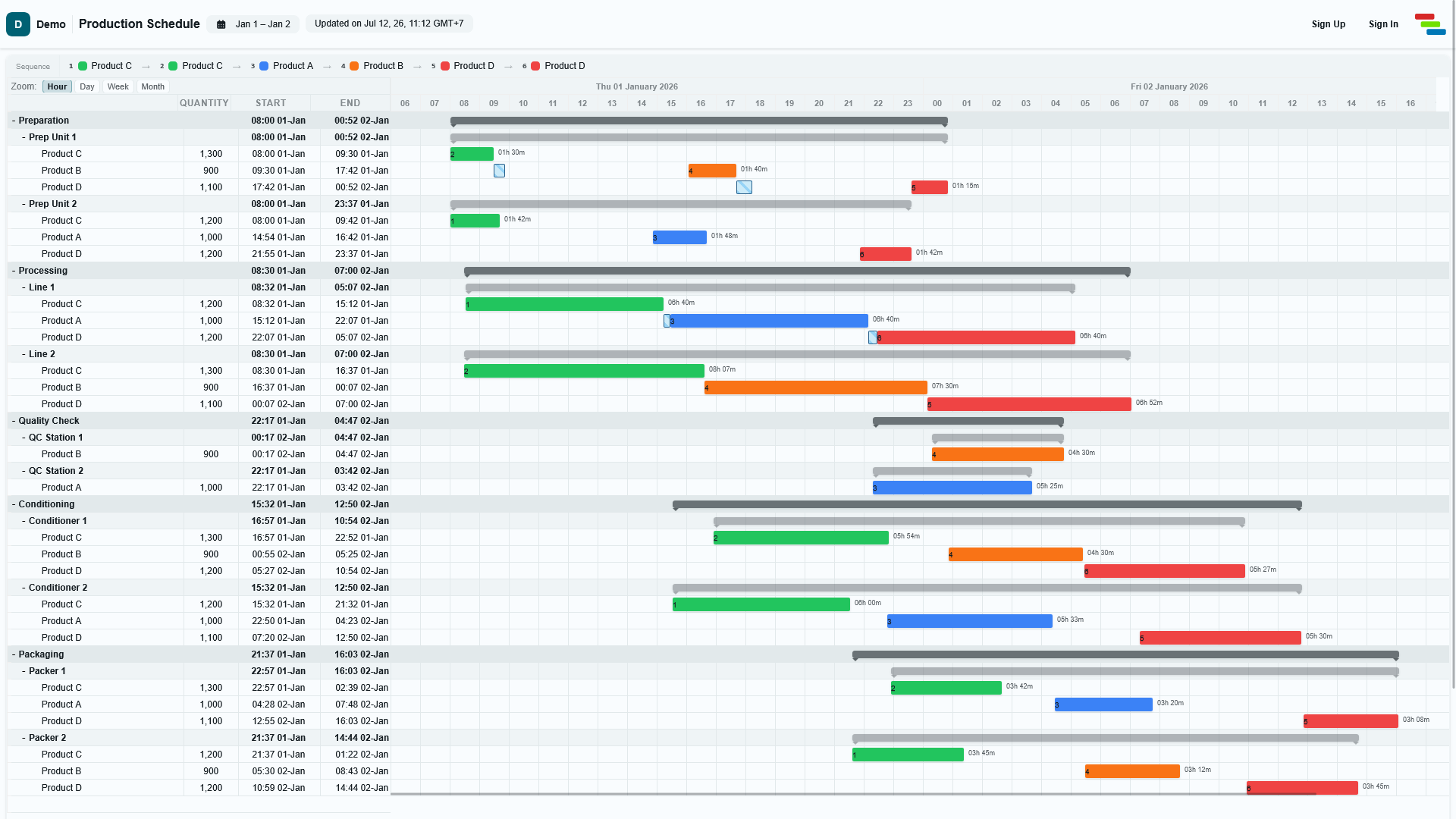
Built for Flowshop Manufacturing
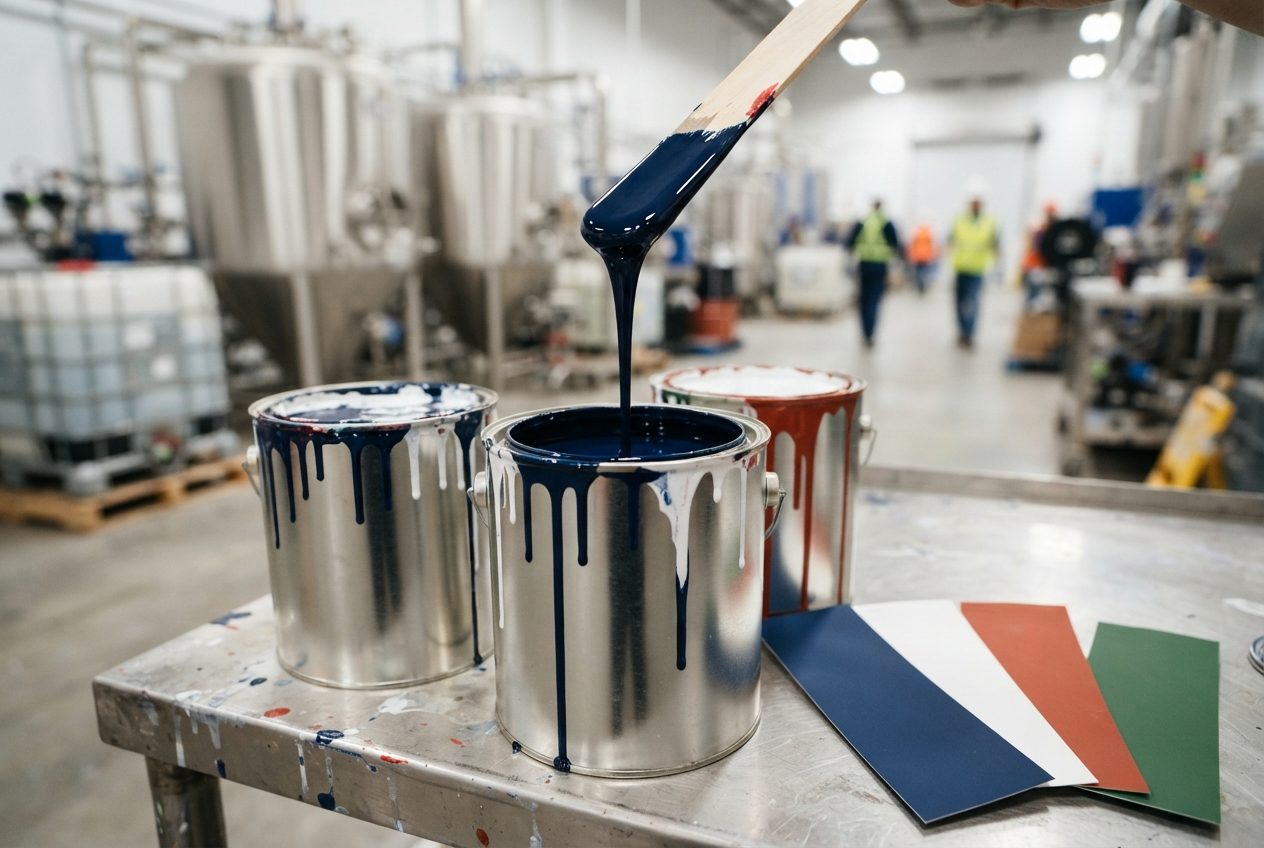
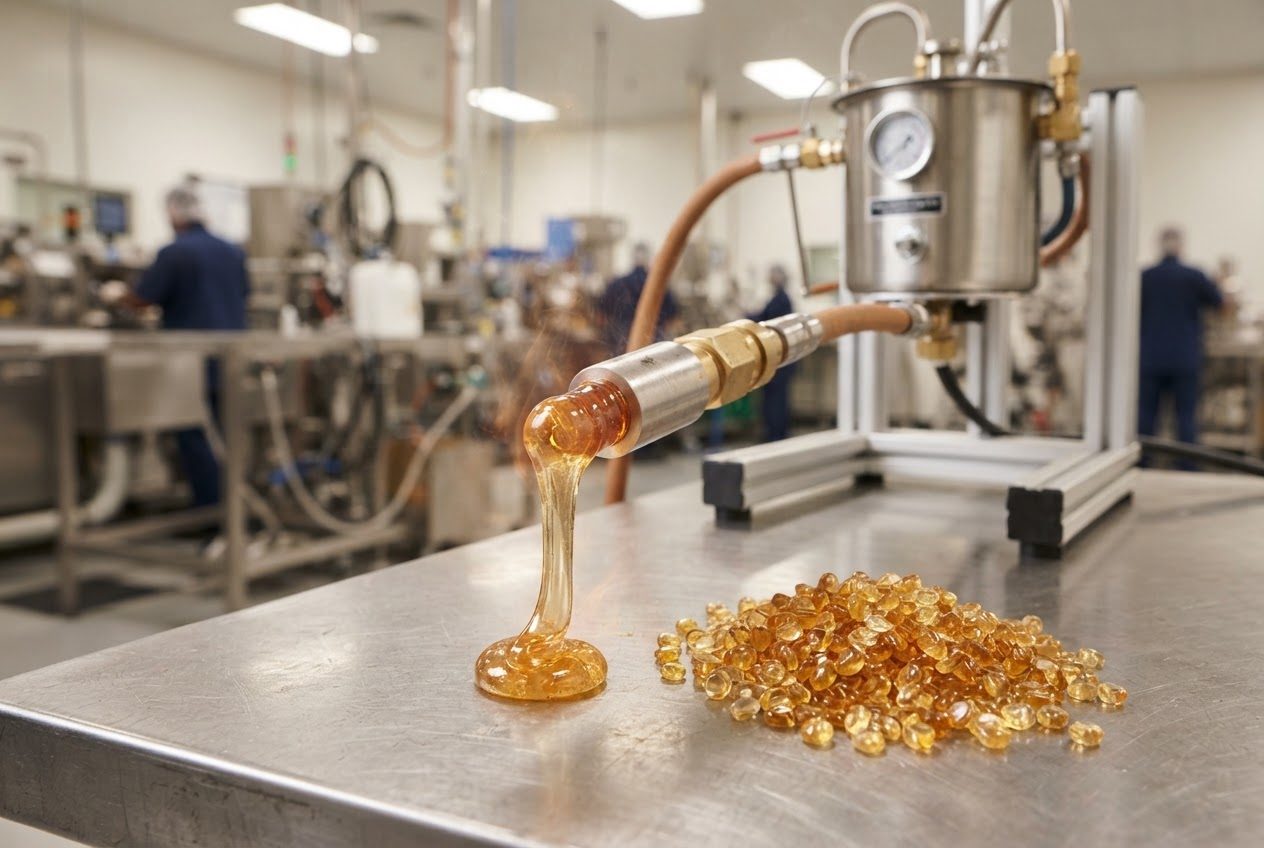
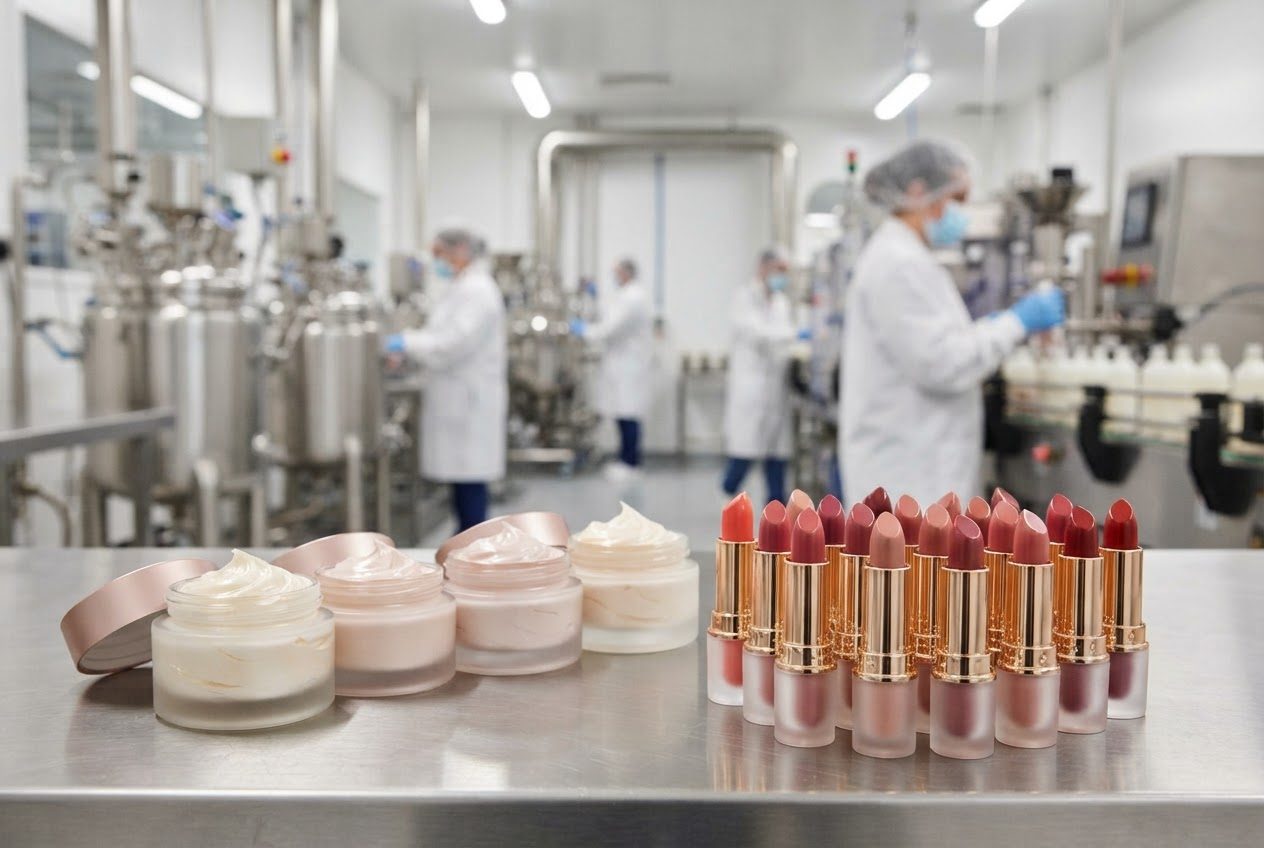
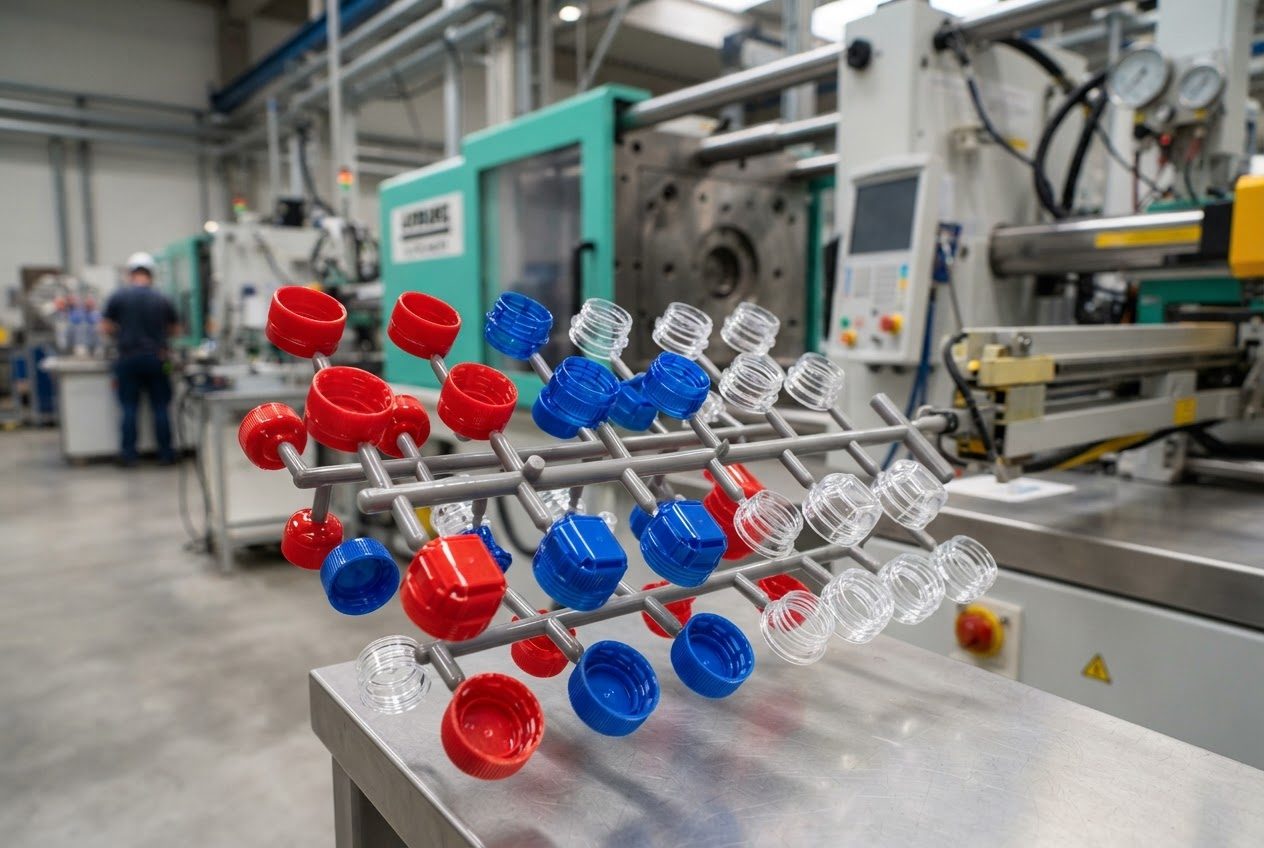
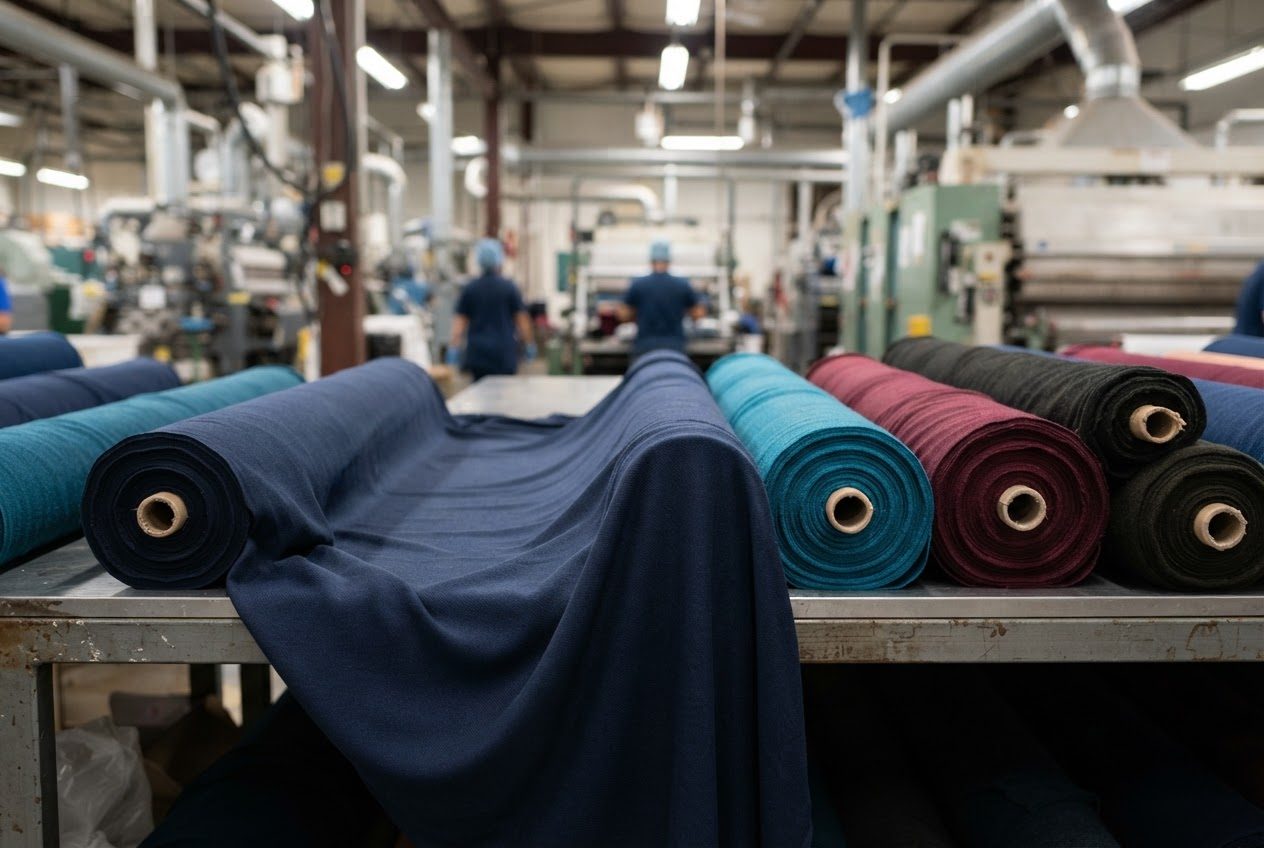
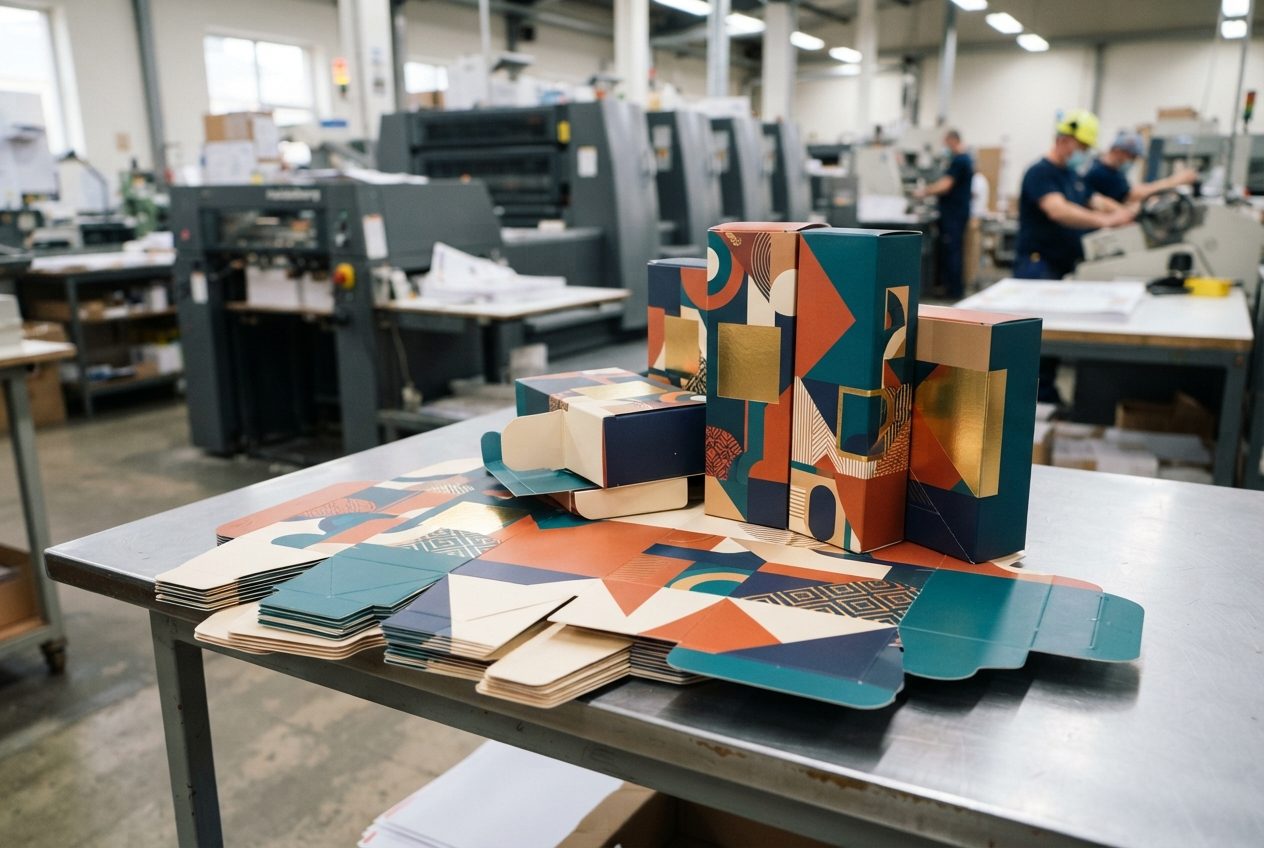
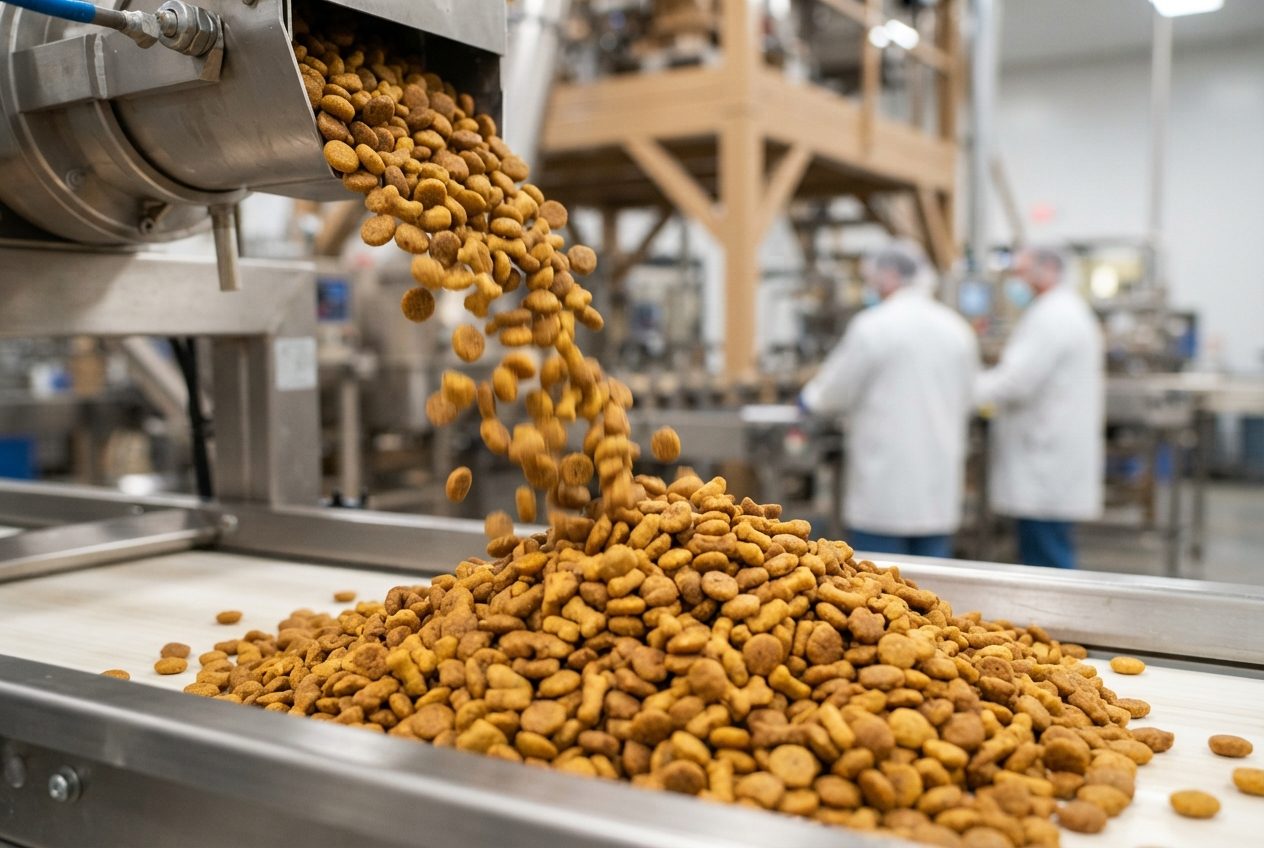
From artisan food production to large-scale chemical plants. If your products flow through sequential stages, Schantt can help.
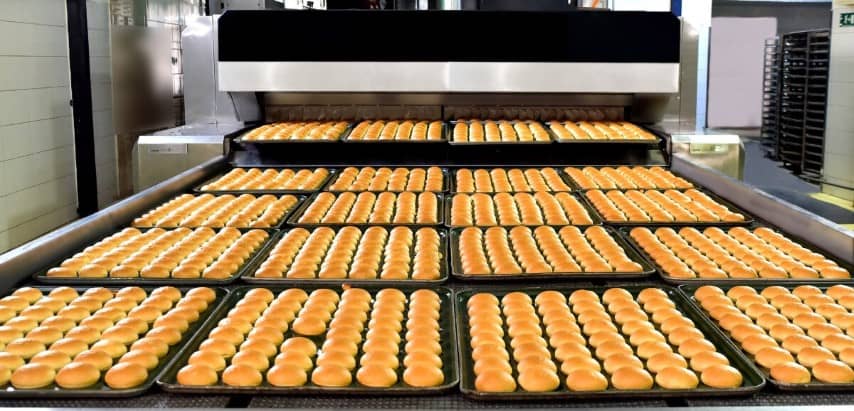
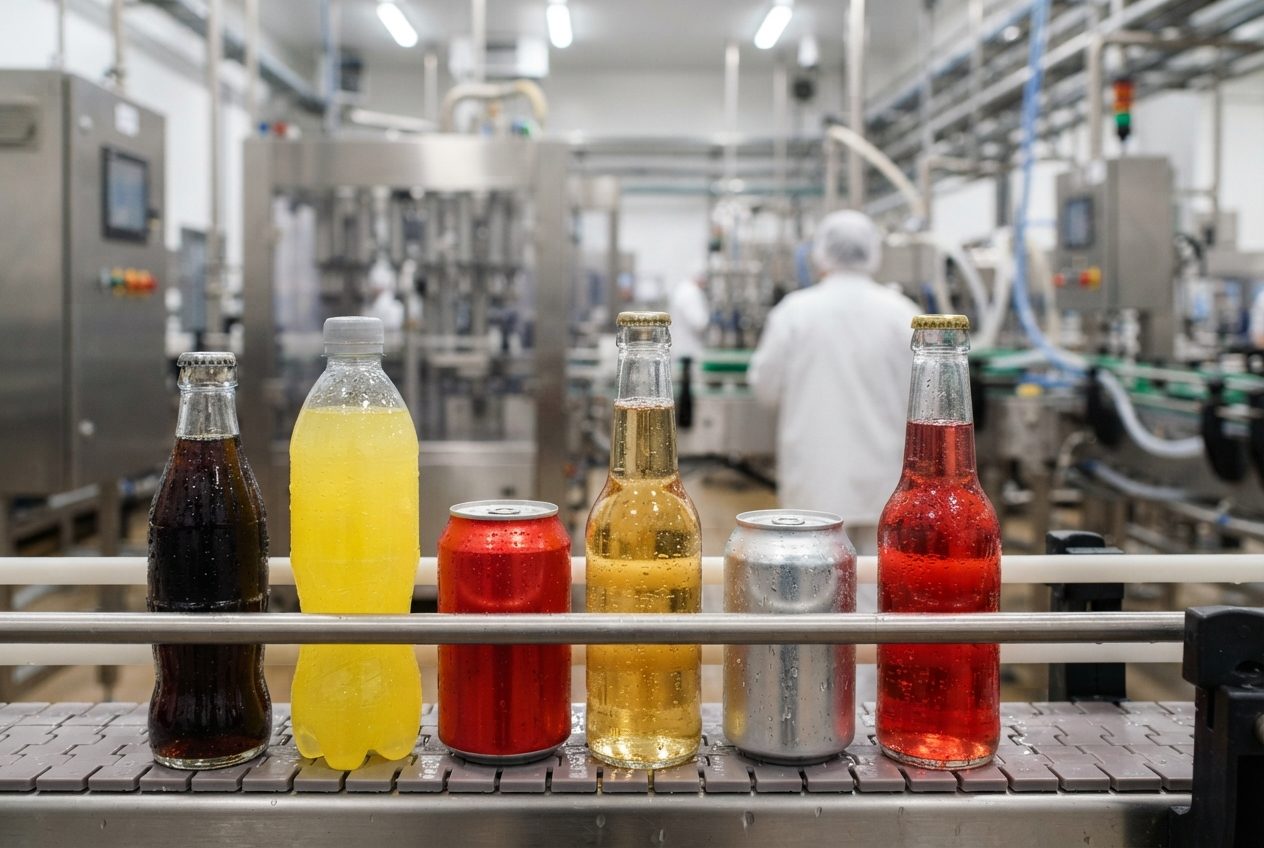

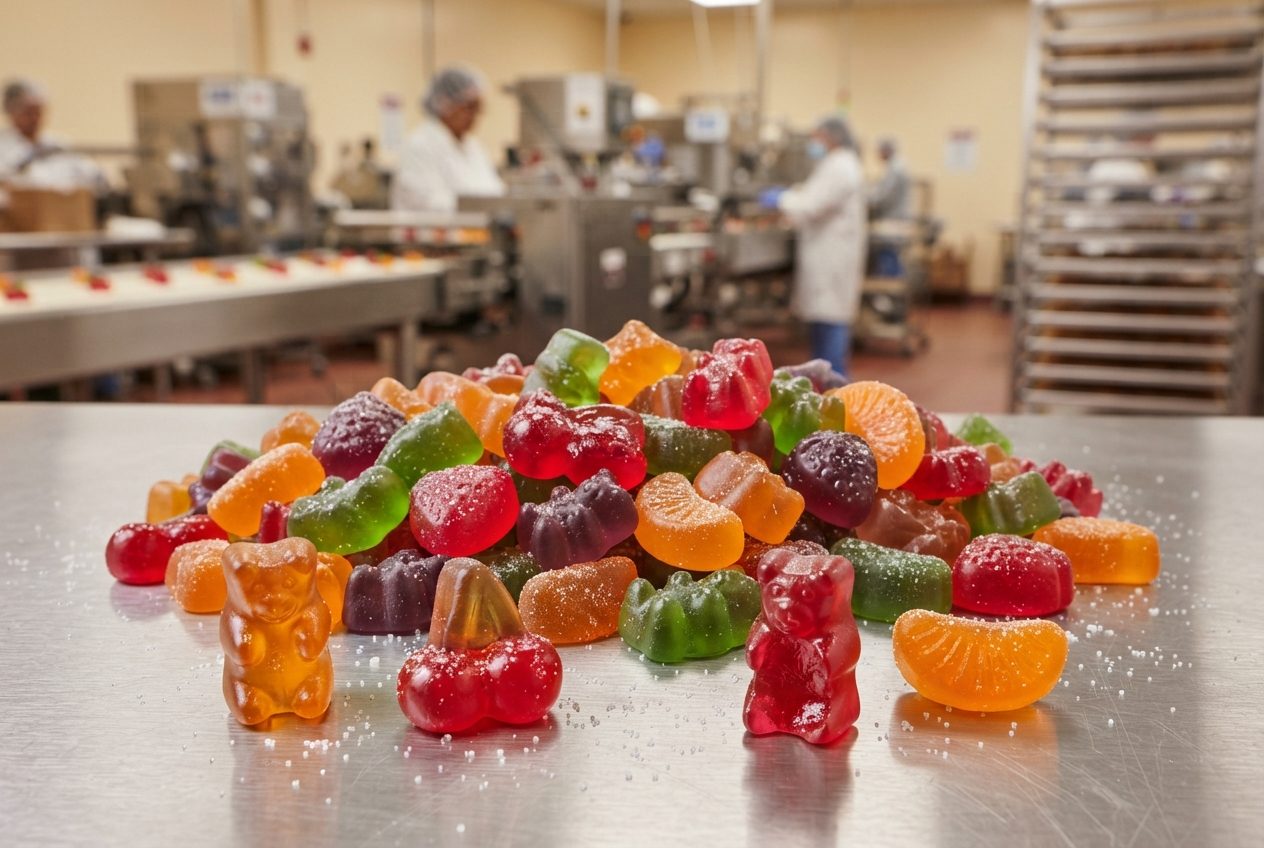

Drive Operational Excellence
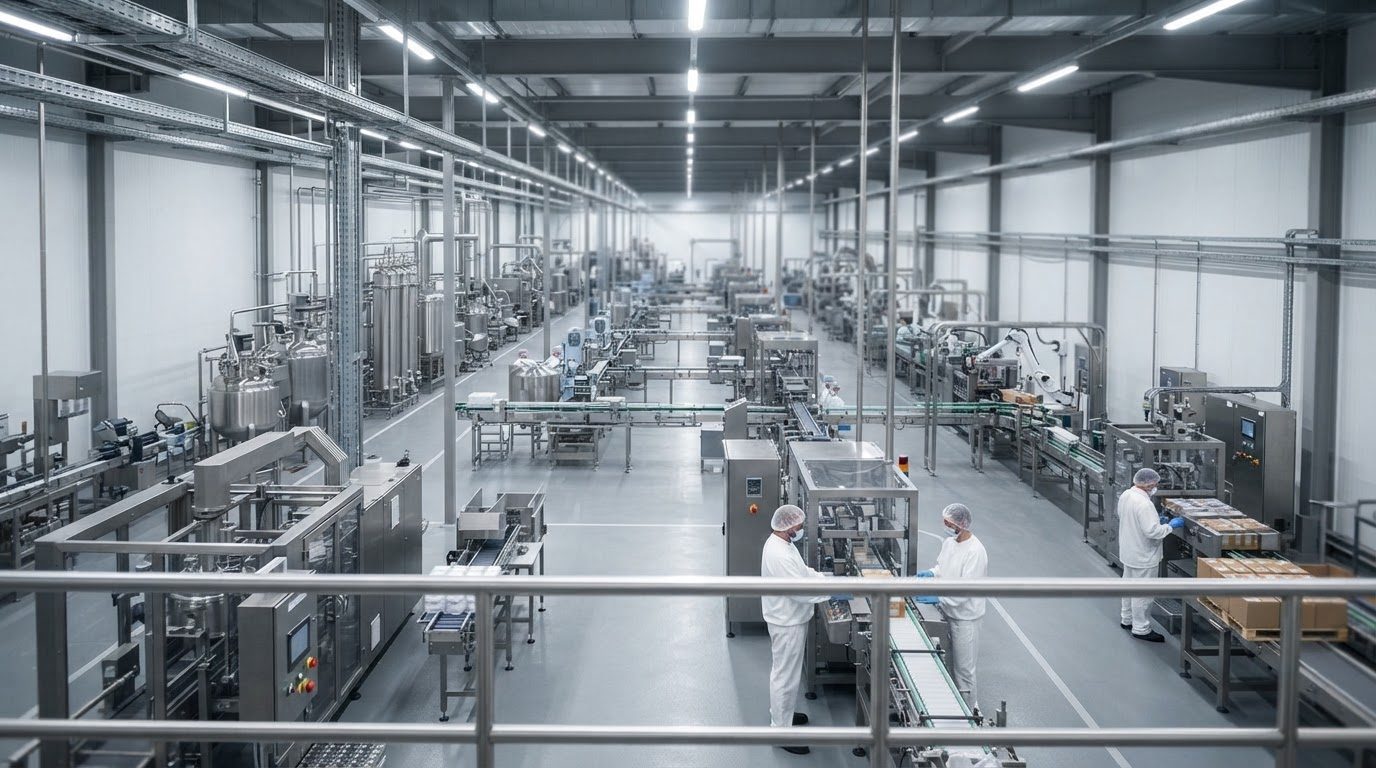
An optimized production schedule transforms your shop floor into a high-performance system. See measurable improvements across key operational metrics.
Maximize Throughput
Minimize makespan by finding optimal job sequences. Identify and manage bottlenecks before they slow your line. Reduce machine idle time and improve overall equipment effectiveness (OEE).
Reduce Operating Costs
Lower work-in-process (WIP) inventory by preventing bottlenecks. Minimize wasteful non-productive machine hours. Optimize energy and material utilization.
Improve On-Time Delivery
Align production with customer due dates. Shorten lead times by streamlining material flow. Adapt quickly to demand changes or unexpected disruptions. Calendar-aware scheduling ensures commitments are based on actual shift hours and machine availability.
Enable Continuous Improvement
Create steady, predictable workflow essential for JIT production. Gain visibility into shop floor activities. Measure KPIs against scheduled goals to identify optimization opportunities.
Developed for Modern Manufacturing
Most scheduling tools assume one machine per stage. Schantt handles the reality of modern manufacturing.
Multi-Machine Stages
Multiple machines working in parallel at each stage. Schantt automatically assigns jobs to optimize utilization and minimize bottlenecks.
Changeover Optimization
Configurable product-to-product changeover times for any machine. The algorithm finds sequences that minimize total setup time between products.
Batch & Flow Processing
Model both batch operations (mixing tanks, ovens,...) and continuous flow operations (filling lines, packaging,...). Mix both in the same production line.
Calendar-Aware Scheduling
Multiple calendars of shift patterns for each day of the week. Mark holidays or add overtime exceptions. Assign different calendars per machine. Define downtimes for all or any specific machines. Calendar periods for schedule-level temporal composition.
Flexible Routing
Products can start at any stage, not just the first. Model sub-assemblies, intermediate products, and variable routing paths.
Professional Gantt Charts
Color-coded visualization of tasks with machine-level detail. Customize display preferences, share with stakeholders via secure links. Calendar components (exceptions, downtimes) are also visualized.
Three Modes for Every Scenario
Choose full automation for routine scheduling, guided optimization for strategic control, or complete manual entry when you need it.
Auto Mode
Full Optimization
Enter your products and quantities. Schantt determines the optimized production sequence, machine assignments, and timing automatically.
- Algorithm optimizes everything
- Minimal input required
- Fastest results
Semi-Auto Mode
Guided Optimization
You define the production sequence and optional start time constraints for specific jobs. Schantt optimizes machine assignments and timing within your constraints.
- You control the sequence
- Optional start time constraints
- Algorithm optimizes the rest
Manual Mode
Complete Control
Specify every detail — sequence, machines, and timing — for complete control. Perfect for complex scenarios requiring precise control.
- Full scheduling control
- Manual job placement and sequencing
- No algorithm involvement
Why Choose Schantt?
More powerful than spreadsheets, simpler than enterprise software. Developed specifically for flowshop manufacturing.
Intelligent Optimization
Advanced algorithms intelligently explore thousands of possible schedules to find optimized sequences. Typically achieve significant makespan improvements over manual planning.
Production-Ready
Not a research prototype. Proven algorithms with test coverage, intuitive interface, and continuous updates. Get results in hours, not months.
Calendar Integration
Schedule within your facility's actual working hours. Define shift patterns, machine-specific calendars, downtimes, and exceptions. Your Gantt always reflects what's actually achievable on the shop floor.
Cloud-Based Software
No infrastructure to manage. Access from anywhere. Automatic updates and backups. Multi-organization support with data isolation.
Quick Setup
Define your production process and create your first schedule in under an hour.
Team Collaboration
Invite team members with role-based access. Share schedules via secure links.
Flexible Pricing
Free Demo plan forever. Upgrade when you need more capacity. Pay monthly or annually.
Ready to Optimize Your Production Schedules?
Create your account and build your first optimized schedule in less than an hour. No credit card required.
Free Demo plan available • No credit card required • Upgrade anytime
Your First Schedule in Four Steps
Most users create their first optimized schedule within an hour of signing up.
Sign Up
Create your free account. (2 minutes)
Define Your Process
Add stages, machines, product classes, products. (20–30 minutes)
Configure Parameters
Set processing times, changeover times, transfer times. (15–20 minutes)
(Optional) Set up Calendars for your whole facility or any specific machines.
Generate & Analyze
Create schedule, view Gantt chart. (5–10 minutes)